
Collection: Kids Cameras | Digital and Instant Cameras for Kids
Discover the perfect kids camera for ages 3 to 15, designed to spark creativity without addictive games or open internet risks. From AI-powered digital cameras to instant print models, every kids camera by myFirst empowers children to capture their world safely. Through our secure myFirst Circle app, kids can instantly share photos to family digital frames or print remotely—giving them a fun, connected experience while parents stay in 100% control.

-
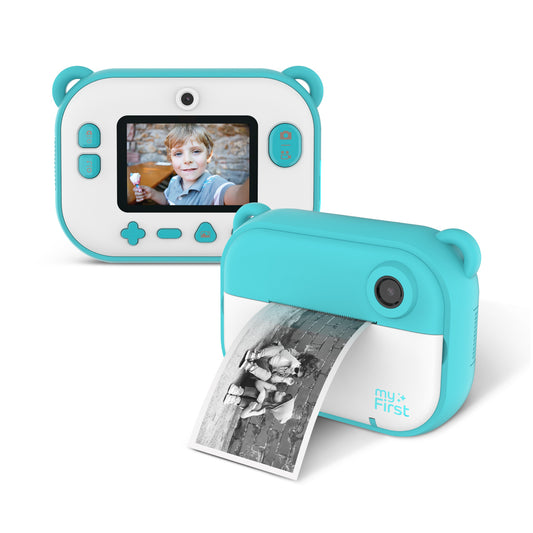
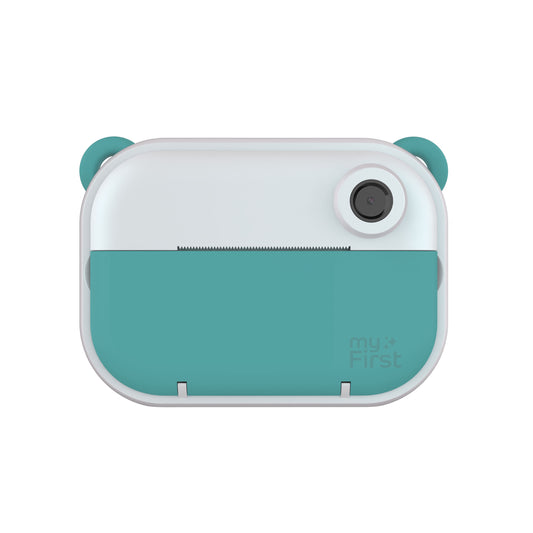
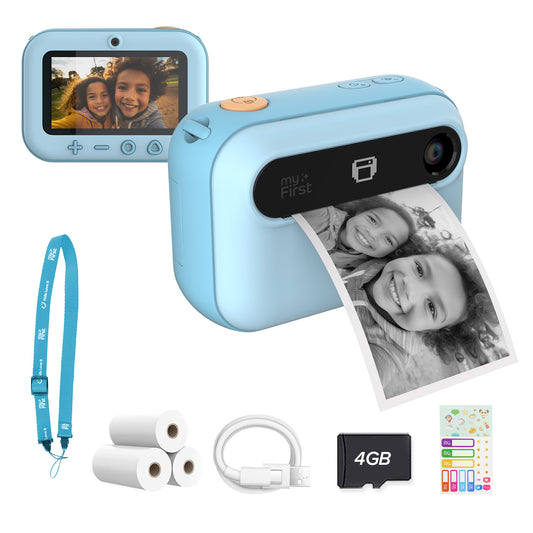
Instant Print Camera | Thermal Printer w/ Refills | myFirst Camera Insta 2
Regular price $59.99Regular priceUnit price per -
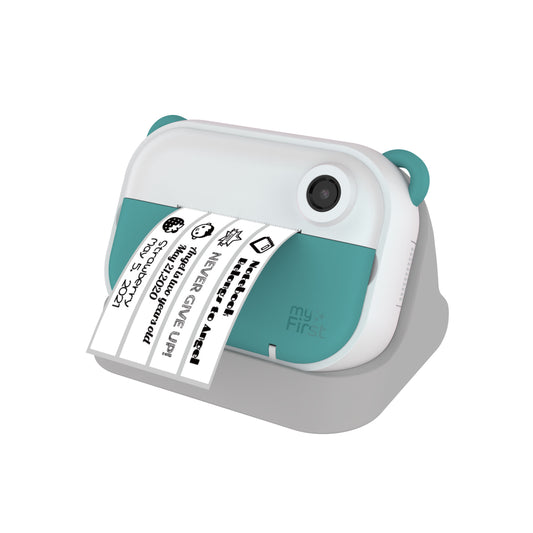
Instant Print Camera & Kids Label Maker | Thermal Printer w/ Refills | myFirst Camera Insta Wi
Regular price $79.00Regular priceUnit price per -
myFirst Camera Insta 20 | Thermal Printing Camera
Regular price From $89.00Regular priceUnit price per$99.00Sale price From $89.00Sale -
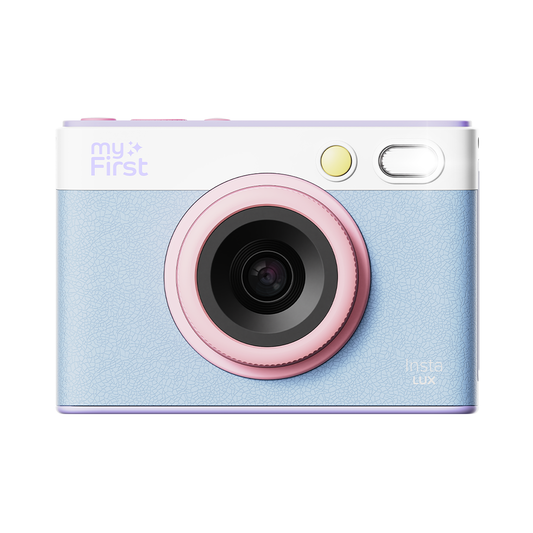
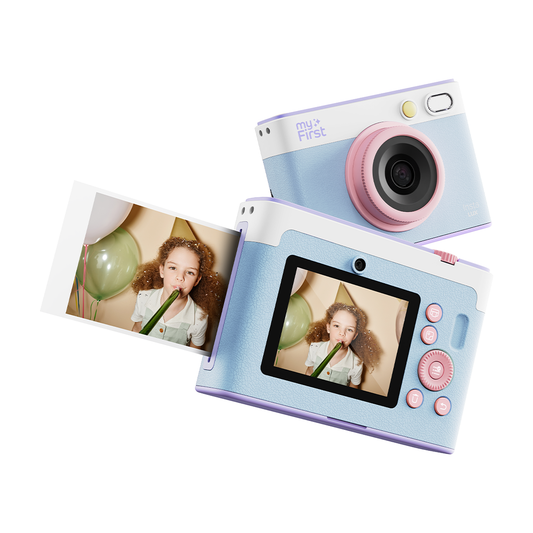
myFirst Camera Insta Lux | New 5MP Colored Instant Print Camera with Built-in WiFi
Regular price $149.00Regular priceUnit price per -
myFirst Camera Insta 2 Bundle Set | Instant Print Camera w/ Refills
Regular price $59.00Regular priceUnit price per


Tiny Hands, Epic Memories: The Best Kids' Camera for 2026 Adventures
✦ Capture the World Through Young Eyes ✦
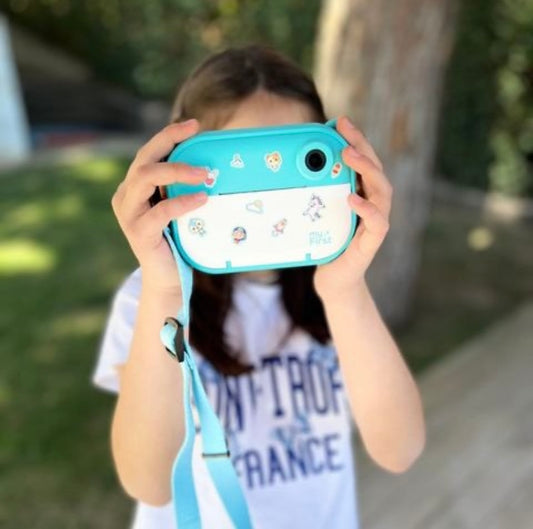
Kids' cameras are revolutionizing how children experience creativity and storytelling. From documenting backyard adventures to creating their first films, these innovative devices empower young photographers to see the world in entirely new ways.
WHY KIDS LOVE CAMERAS
✓ Spark Creativity and artistic expression
✓ Develop Technical Skills and confidence
✓ Explore Fresh Perspectives on the world
✓ Create Lasting Memories that inspire
While digital devices offer incredible benefits, safety remains paramount. That's why modern kids cameras are designed with parental controls, age-appropriate features, and screen-time management built in.
THE PERFECT BALANCE
Our curated selection of kids cameras combines fun, safety, and quality—giving your child the tools to express themselves creatively while you maintain peace of mind. Whether they're budding photographers, aspiring filmmakers, or adventure documentarians, there's a perfect camera waiting to inspire their next great shot!
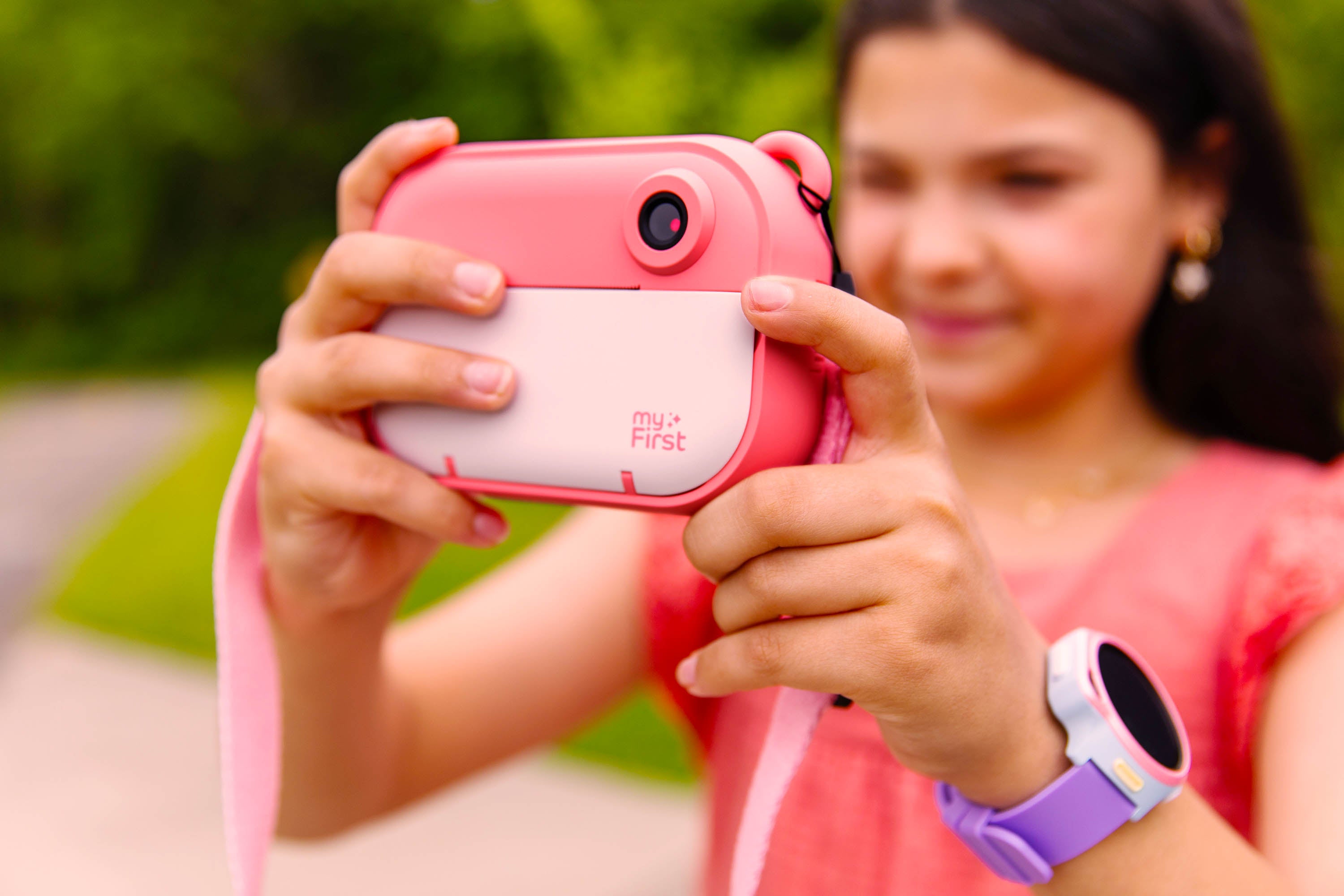
Instant Print Kids Camera Comparison

Insta 20
|

Insta Lux
|

Insta Wi
|

Insta 2
|
|
|---|---|---|---|---|
| Color |
|
|
|
|
| Printing Type | Image Printing | Image Printing | Image & Label Printing | Image Printing |
| Colored Image | Yes *With thermal paper color burst only | "Yes" | No | No |
| Printing Method | Thermal Printing | Dye Sublimation | Thermal Printing | Thermal Printing |
| Front Lens | 2MP | 5MP | 1MP | 1MP |
| Selfie Lens | 2MP | 5MP | 1MP | 1MP |
| Photo Resolution | 16MP | 5MP | 12MP | 12MP |
| LCD Screen Size | 3.0 Inch | 2.8 Inch | 2.4 Inch | 2.4 Inch |
| Battery Capacity | 800mAh | 700mAh | 700mAh | 700mAh |
| Camera Weight | 6.1oz | 10.88oz | 8.18oz | 8.18oz |
| Wi-Fi | No | Yes | Yes | No |
| Apps Compatibility | None | myFirst Circle | myFirst Insta Wi | None |
| BUY NOW | BUY NOW | BUY NOW | BUY NOW |
Must-Have Features in the Best Kids' Cameras
At myFirst, we understand the challenges parents face when selecting the best kids' camera. Our cameras find the perfect balance between high-tech features and child safety, making them the ideal choice for young creators.
Quality Images, Reliable Controls
Capture high-quality memories with robust parental controls. Shape your child's digital habits responsibly while ensuring every photo is a masterpiece.
Durability by Design
Built from high-quality, shock-resistant materials. Our ergonomic design ensures that even the smallest hands can handle rough play and everyday wear and tear.
Easy-to-Use Interface
An intuitive interface designed for kids. No complicated menus—just pure photography fun that young explorers can navigate with confidence.
Creative Tools & WiFi Sharing
Built-in filters, frames, and overlays tailored for young users. Explore creativity and share moments via WiFi without needing a smartphone or tablet.
Long-Lasting Battery Life
Designed for continuous play. Capture more moments and reduce the need for frequent charging during family trips or outdoor adventures.
Comprehensive Support
Our commitment extends beyond the product. We provide detailed guides on safe camera use and creative activities to support your child’s journey.
Why Buy a Kids' Camera?
A kids' camera isn't just a trendy accessory; it's a powerful tool for growth and peace of mind.
- Creativity: Encourage self-expression through the lens of a camera.
- Technical Skills: Build a foundation in photography and tech literacy early on.
- Independence: Foster responsibility by letting them manage their own digital gallery.
- Safety First: A secure alternative to smartphones, limiting exposure and reducing screen time.
"At myFirst, we believe in balanced oversight—leveraging technology to ensure safety while fostering the independence every child craves."
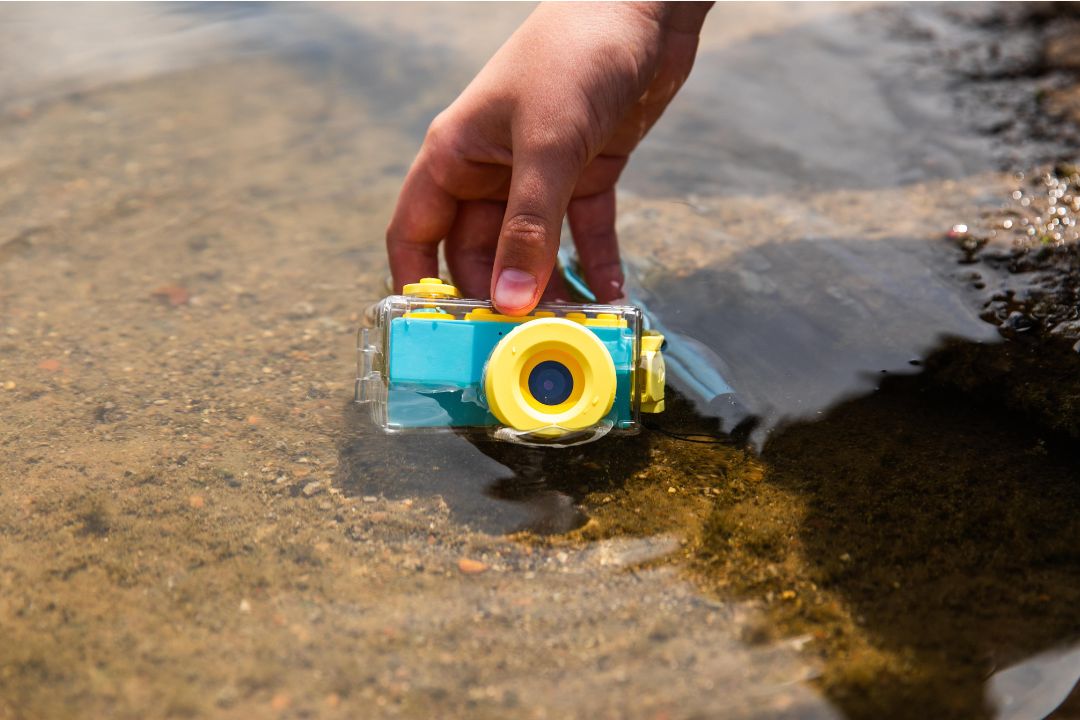
Kid's Digital Camera Comparison

myFirst Camera 10
|

myFirst Camera 50
|

myFirst Camera 2
|

myFirst Camera 3
|
|
|---|---|---|---|---|
| Main Features | Introductory Camera | Vlog/Video Creation | Underwater Camera | Lifestyle Camera |
| Front Lens | — | 16MP | — | 16MP |
| Selfie Lens | 5MP | 20MP | 8MP | 16MP |
| Screen Display | 2" IPS Color Screen | 3.97" G+F Touch Panel IPS LCD | 2" IPS Color Screen | 2" IPS Color Screen |
| Video Resolution | 1920×1080p 30fps | 1920×1080p 30fps | 1920×1080p 30fps | 1920×1080p 30fps |
| Photo Resolution | 3264 × 2448 | 5120 × 3840 | 3264 × 2448 | 4680 × 3456 |
| Battery Capacity | 1000mAh | 2000mAh | 1000mAh | 1000mAh |
| Battery Life | 150 minutes | 240 minutes | 150 minutes | 150 minutes |
| Memory Capacity | Up to 32GB | Up to 128GB | Up to 32GB | Up to 32GB |
| Camera Weight | 2.36 oz / 67g | 5.26 oz / 150g | 2.36 oz / 67g | 2.82 oz / 80g |
| Camera Flash | — | LED | — | LED |
| BUY NOW | BUY NOW | BUY NOW | BUY NOW |
Key Features of Digital Kids Cameras
Safety and Privacy
- Parental Controls: Ensure the camera has robust parental control settings to monitor usage and manage features.
- Secure Data Storage: Opt for cameras that offer secure storage solutions to protect your child's photos.
Design and Durability
- Water Resistance: A waterproof camera can withstand spills and splashes. (And with IPX8 rating, some of our Cameras can stay waterproof for hours!)
- Durable Materials: Choose a camera made from high-quality materials that can handle rough play.
- Comfortable Fit: Ensure the camera is comfortable to hold, with an ergonomic design suitable for small hands.
Functionality and Usability
- Battery Life: A longer battery life means less frequent charging and more opportunities for capturing moments.
- User-Friendly Interface: Look for a camera with an intuitive interface that is easy for children to navigate.
- Additional Features: Consider cameras with extra features like fun filters, photo editing tools, and video recording capabilities.
Our Top Picks for Kids' Cameras 2026
Best Digital Cameras for Kids


AI Camera for Kids | myFirst Camera 50
The first AI video generator camera design for kids, and up to 20MP resolution, plus a built-in selfie light, filters, and instant WiFi upload to our digital photo frame!


Kid's HD Digital Camera | Shockproof Case| myFirst Camera 3
Cute animal safari cases protect this kids camera from accidental damage, while lanyard prevents losing. Flash photos, 1080p Video, and No Games!


Kids Mini Digital Camera | myFirst Camera 10
At under 3oz, this mini camera is easy to handle for kids as young as 3 years old.


myFirst Camera 2: The Best Waterproof Underwater Camera for Kids
Tough, waterproof camera for kids at the pool. 2in IPS Screen displays vibrant photos even in direct sunlight.
Best Instant Print Kids Camera


myFirst Camera Insta Lux | New 5MP Colored Instant Print Camera with Built-in WiFi
Revolutionary 4 layer dye sublimation prints out full color, long-lasting photos in 1 minute.


myFirst Camera Insta 20 | Thermal Printing Camera
Lightning fast mini instant photo camera for kids makes photos (or DIY stickers) in under 9 seconds. Prints clear fade-resistant selfies with photo frame templates.


myFirst Camera Insta Prinx Mini - New 4MP Colored Instant Print Camera
With its HD camera, vibrant instant prints, and sleek, modern design inspired by classic mini cameras, the Insta Prinx turns every moment into a colorful keepsake.


Instant Print Camera & Kids Label Maker | Thermal Printer w/ Refills | myFirst Camera Insta Wi
The Hybrid kids instant photo camera connects to parents' smartphones via Bluetooth for mobile photo printing, with label maker to organize school supplies.
Frequently Asked Questions
At what age should a child have a camera?
Around five to nine years old.
What is the best camera for 10 year old kids?
We would recommend myFirst Camera 2 and Camera 3.
Do instant print camera need ink?
Don't worry, our Insta Wi and Insta 2 do not need any ink to print a picture.
Can you print photo without computer?
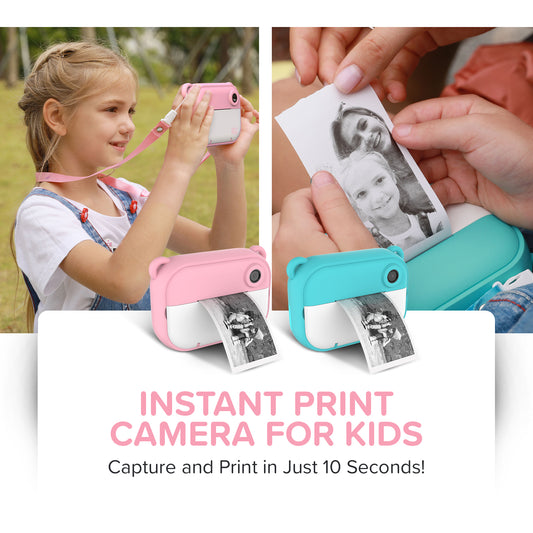
Yes, you can with Insta Wi and Insta 2. In only 10 seconds, the photo will be done.
What are the main benefits of giving a child a camera?
Giving a child a camera encourages creativity, develops observational skills, and allows them to capture and document their world from their unique perspective. It provides a screen-free form of entertainment and can introduce them to the basics of photography
What features should I look for when buying a camera for my child?
Consider age-appropriate features, durability (look for shockproof and water-resistant designs), ease of use with simple controls and large buttons, and decent image quality (5-8 megapixels is often sufficient). Some cameras offer fun creative features like filters or frames, and rechargeable batteries are a plus. For younger kids, physical buttons and simple interfaces are better.
What age is appropriate for a child to have a camera?
Toddlers (around 2-3 years old) can start with very basic, highly durable toy cameras. For more functional digital cameras, ages 3-5 can use simple point-and-shoot models, while children aged 6-12 might be ready for cameras with more features like video recording or higher resolution. The best age depends on the child's maturity and interest.
Are instant print cameras safe for kids, especially regarding chemicals like BPA?
When choosing instant print cameras that use thermal paper, it's crucial to look for "BPA-free" and "BPS-free" labels. These chemicals, found in some thermal papers, are endocrine disruptors and can pose health risks if absorbed through the skin or ingested. Many reputable brands now offer safer alternatives.
What are some good types of cameras for kids?
- Durable Digital Cameras: Often designed with rubberized casings and simple interfaces, ideal for younger children who might drop them.
- Instant Print Cameras: Provide immediate gratification with physical prints. Ensure they use BPA/BPS-free thermal paper or instant film (like Fujifilm Instax).
- Used Point-and-Shoot Cameras: For slightly older kids or those showing a strong interest, an older, inexpensive point-and-shoot can be a good starting point to learn basic photography without the cost of new equipment.
How can I ensure my child's camera is safe and secure?
Choose cameras from reputable brands that adhere to safety standards (e.g., CE, RoHS, FCC certifications). If the camera has connectivity features (like Wi-Fi for file transfer), ensure it has secure data transmission and teach your child about online safety, though most kids' cameras have very limited internet access.
myFirst USA:
Others:
- Parenting Science: Digital cameras for kids: Cool tools and windows into your child’s mind
- Digital Photography School: How to Pick the Perfect Camera for Kids
- Medium : How Do Cameras Work for Kids and Why They’re So Amazing
- Nikshan: Unlock Your Child’s World of Imagination with Nikshan Online’s Kids’ Digital Cameras
- Photography For Parents: How to pick the best camera for your child