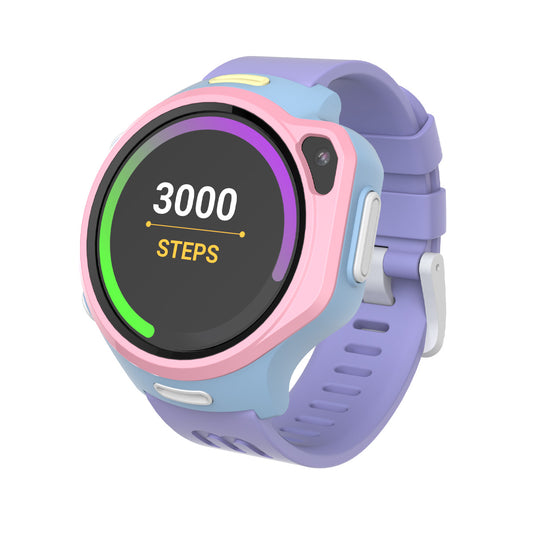
Family safety first
Circle helps your family stay connected throughout the day with safe communication, location updates, healthy digital habits, and shared moments that bring everyone closer.

Contacts approved by parent
Approve family members and close friends so every call and message comes from someone you know, giving your child a safe space to communicate with confidence.

Privacy & parental controls
Give your child room to grow while staying confidently in control. Manage contacts, view locations, adjust settings, and decide what your child can access. All from the Circle app.

Habit trainer
Turn everyday routines into small wins. Encourage healthy habits with reminders, rewards, and positive encouragement that help children become more confident and responsible over time.

NEW
Circle feed
Celebrate the little moments together. Share photos, updates, and milestones in a private family space where loved ones can cheer each other on without the distractions of public social media.

COMING SOON
New map experience
See where your family is at a glance. View everyone’s location on one easy-to-read map, making everyday coordination simpler and more reassuring.


Private connections
Only parent-approved contacts can message or call your child, keeping every conversation safe and private.
Location sharing
Choose who can see your child’s location, with full control over your family’s privacy.
Child ID
One secure Child ID keeps your child’s chats, contacts, and data synced across myFirst devices and the Circle app.
Circle for kids
Children can use their Child ID to chat, call, and stay connected with family and friends even without a smartwatch.


Family at a glance
View multiple children’s locations on one map, then call or message them with a tap.
Care Call
If your child misses three calls, Care call automatically connects so you can check on them in an emergency.
Family group chat
Stay connected with family and friends through private group messaging, voice calls, and video calls.
Secure backup
Chats, contacts, and important data are securely backed up and restored with your child’s Child ID.


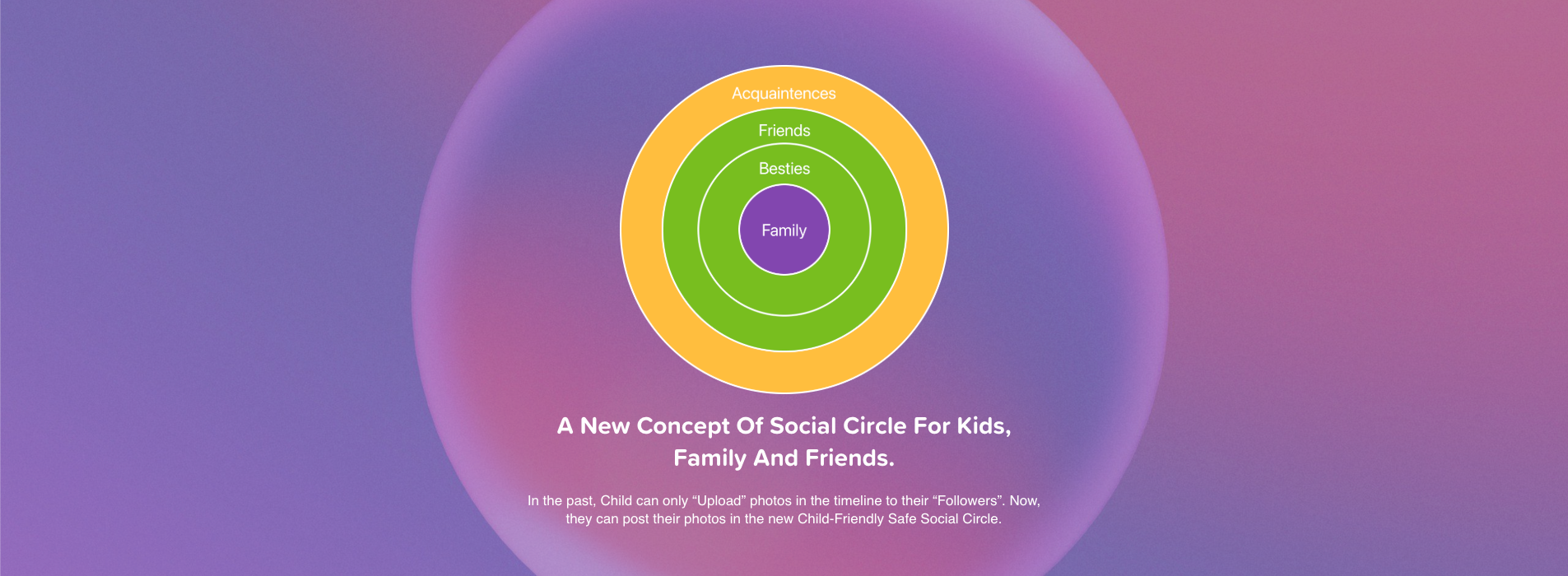
Set privacy setting for each contact, from inner circle to common ground
-
Family
"Family" is for your close family members.
-
Besties
"Besties" is for your relatives and extremely close friends.
-
Friends
"Friends" is for your good friends.
-
Acquaintances
"Acquaintances" is a person known to one, but not a close friend.
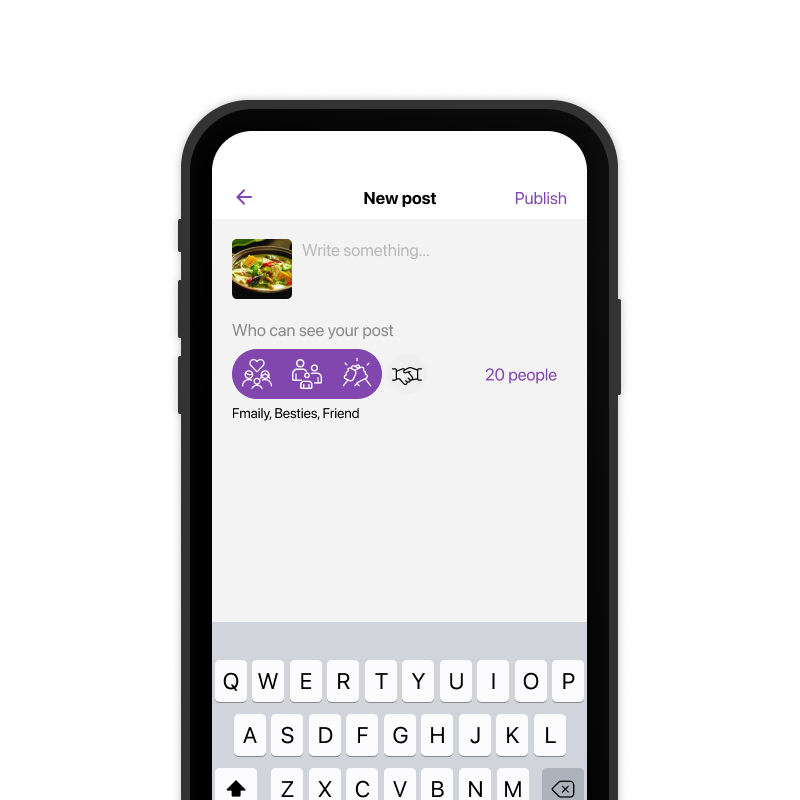
Who Can See Your Posts?
You can choose for each social post to be viewed by Family, Besties, Friends to Acquaintances. If a post is just among Family, only the people under your “Family” will be able to see it.
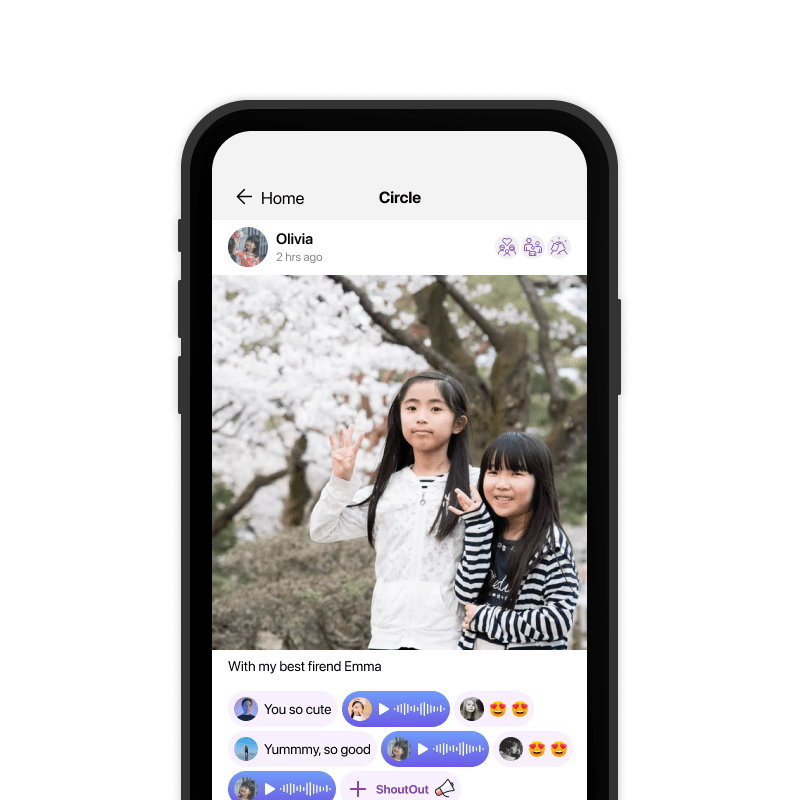
Who Can See Your Child's Post?
Children can create social posts and leave a Voice Comment from myFirst Fone directly. Posts will be auto-set to Friends circle and can’t be seen by Acquaintances.
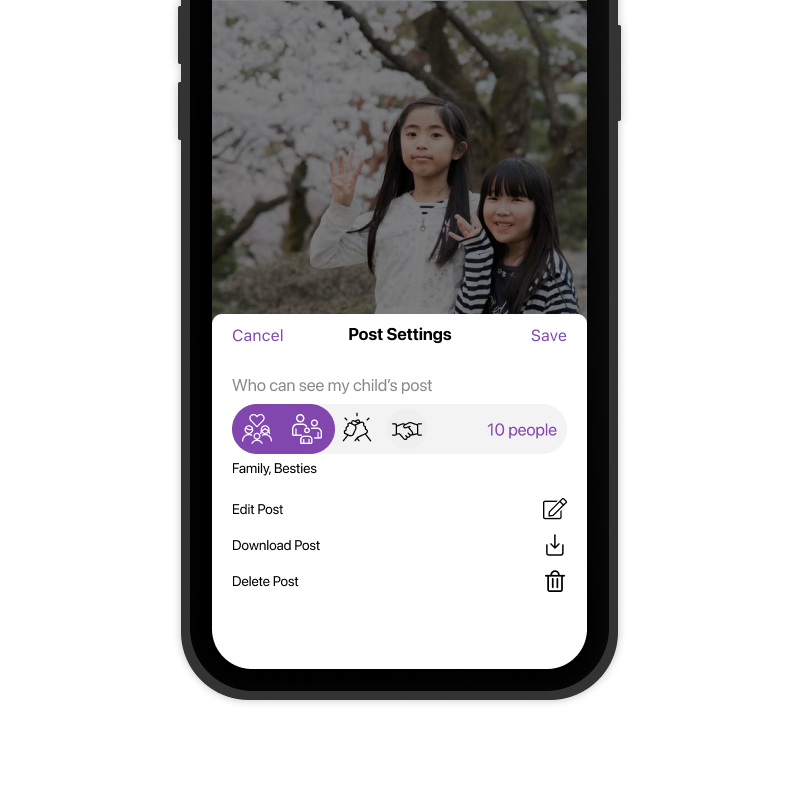
Sharing With Full Control
Admin has the rights to modify Child’s post if you think they are not appropriate. Admin can change the classification from Friend to Besties or Family.
Shop all safe kids smartwatches
-
myFirst Fone S4 | The Ultimate Kids 4G GPS Smartwatch
Regular price $179.00Regular priceUnit price per$199.99Sale price $179.00Sale -
myFirst Fone R2 — GPS Kids Smartwatch with Video Call & Parental Controls
Regular price From $74.69Regular priceUnit price per$139.00Sale price From $74.69Sale -
myFirst Fone S3+ — 4G GPS Smartwatch for Kids with Video Call
Regular price $79.99Regular priceUnit price per$169.00Sale price $79.99Sale