


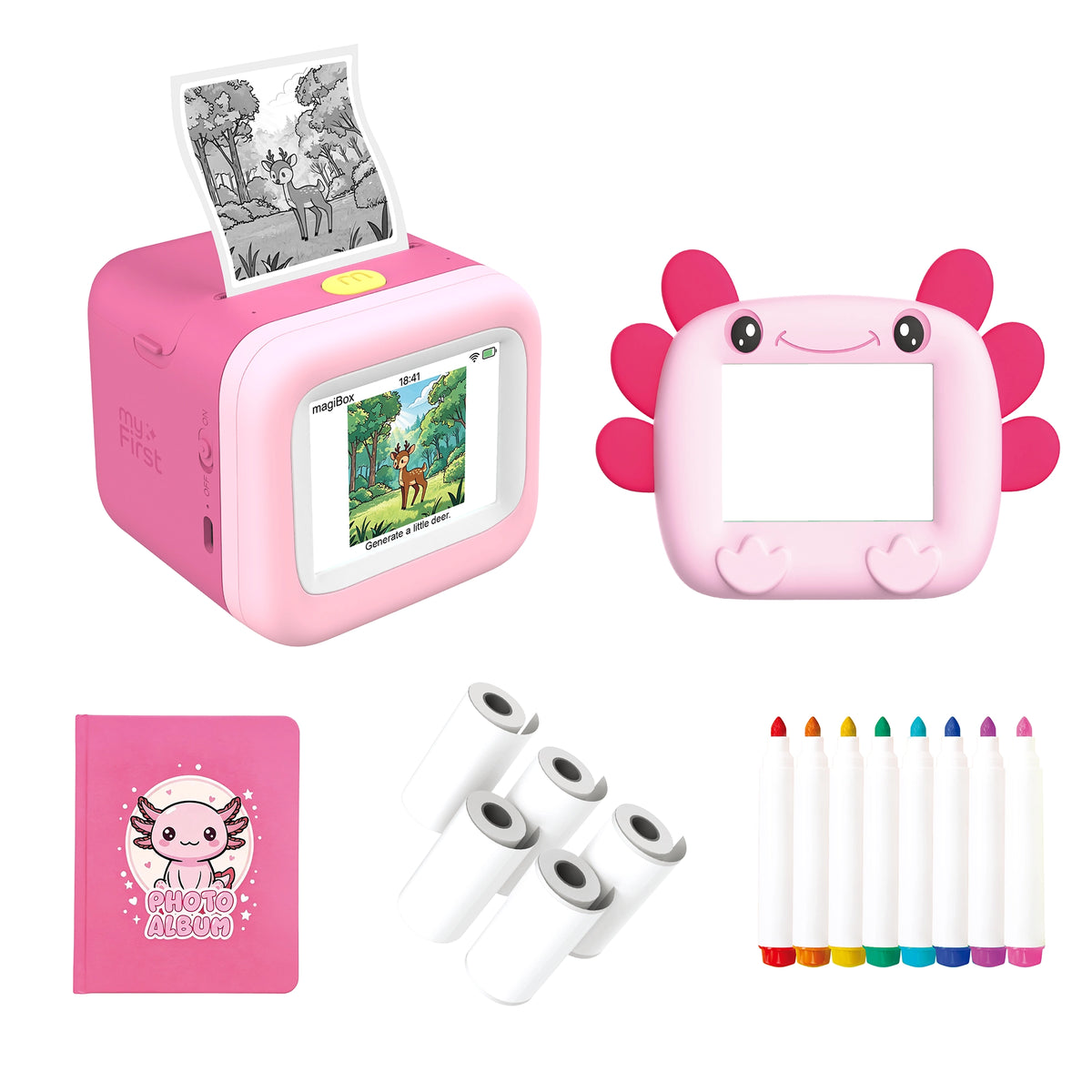

Speak your idea, watch it appear.
Phone only for setup · Ink-free · 6 art styles · 26 languages
Key Features

10-Second Instant Printing

2.8" HD Screen for Clear UI and Alerts

Pre-Cut Sticker Support, So Prints Are Ready to Peel and Stick

Low-Power BLE Pairing with Seamless Wi-Fi Cloud Sync

Ultra-Durable 1300mAh Battery For Hours of Fun

App-Free Standalone Mode for Instant Creativity
An Idea Walks In. Artwork Walks Out.
magiBox is an all-in-one voice-to-image creation station that turns ideas into artwork instantly. Just speak your mind, and magiBox will generate and print a unique black-and-white image or 4-panel comic, in one of six creative styles, via eco-friendly, ink-free thermal tech.

Speak Your Idea. Watch It Appear.
Press and hold the single button on top, and just say what’s on your mind — magiBox’s AI turns it into a unique image on screen, then prints it out, ready to hold. All it takes is an idea and a voice — with built-in filtering keeping every creation age-appropriate.

Turn Spoken Stories Into a 4-Panel Comic.
Switch to story mode, then tell your story out loud. magiBox strings it into a printed 4-panel comic — or, if inspiration doesn’t strike, let magiBox come up with the story instead. Print, color, and put them together into a storybook worth reading back at bedtime.

Six Styles, Always Fresh.
Switch between six creative styles, so every creation feels special. Try the same idea a few different ways and see how much the outcome changes.

No Ink. No Toner. No Mess.
No cartridges to replace or spill — just eco-friendly thermal printing, paired with rounded, kid-safe corners. Built-in content filtering keeps every creation age-appropriate too, so parents can trust what comes out the other side.

Two Sleeves, Two Looks.
Includes two interchangeable silicone sleeves, so kids can switch up the look anytime — while keeping magiBox protected from everyday bumps and drops.

Say It. See It. Print It.
Hold the button, say an idea out loud, and magiBox draws it — a cat, a dinosaur, a four-panel story — then prints it on the spot. Six art styles to choose from, with a friendly on-screen buddy along the way.

Built for kids, with parents in mind
Set up once, then let them create

Turn on
Press and hold the leftmost button.

Download the App
Search "myFirst Circle" on the App Store or Google Play.

Scan
Scan the QR code on screen.

Connect to WiFi
Use a 2.4GHz WiFi network. Set up the device in the app.

Create a Picture
Press the rightmost button to choose a style.

Get it
Press the middle AI button and say what you want to draw.

